 Rob
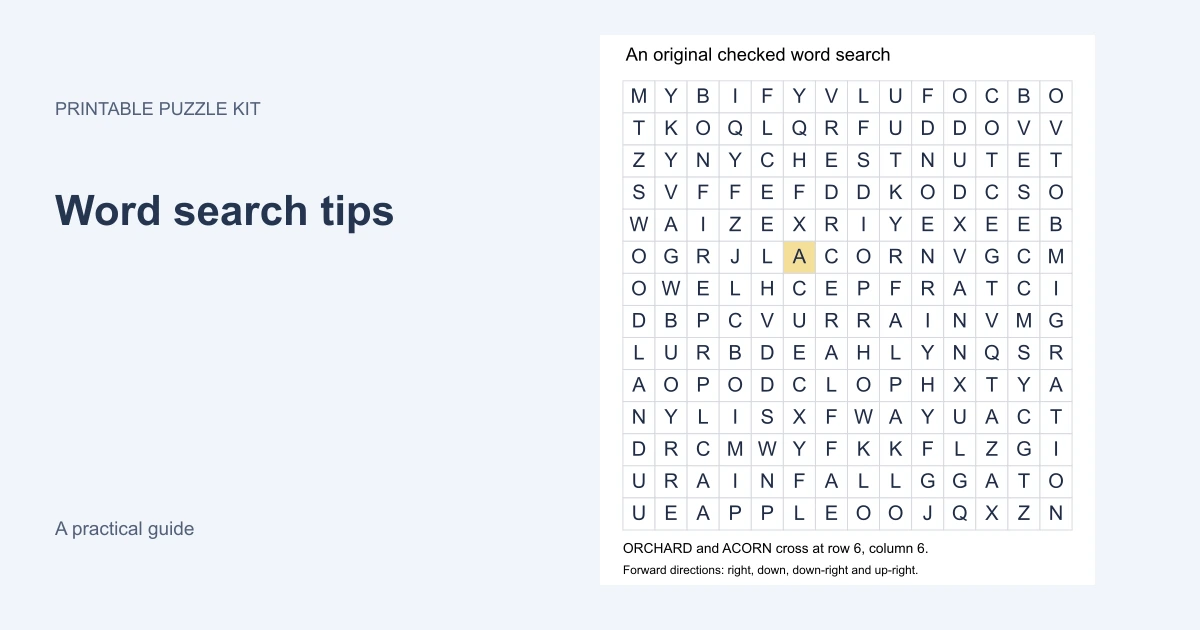
Find each listed word in one straight line, using only the directions named on the sheet. A path cannot turn, and two words may cross at a shared letter.
Stay on a straight line
Each target word appears as an unbroken straight line of letters. It never turns a corner or jumps a cell. All directions means horizontal, vertical and diagonal lines in either direction. Forward directions means right, down, diagonally up-right or diagonally down-right. The sheet always prints the chosen rule.
Work from the word bank
Pick a word and scan for its first letter. Where you find it, look at the next letter along each permitted direction. If the second letter matches, trace the rest. Longer or less common letter sequences can make good starting points. Short words are not automatically easier; they can blend into the filler.
Overlaps are allowed
Two words may share a letter or cross. The generator checks that every listed word occurs exactly once as a complete straight-line target, considering all eight directions. Other ordinary words may occur incidentally in filler, but they are not part of the task. Do not assume a used area is finished.
Read the answer sheet
The solution shades all cells belonging to a target word. Shared letters are shaded once, which can make an overlap look like a longer patch. The on-page solution also lists each starting row and column, counting from 1 at the top left. Use those coordinates and the word spelling to trace an unclear crossing.
Make the task comfortable
If the letters look too small on paper, adjust the puzzle printing choices before trying a different solving strategy.
Try forward directions, a different theme or large print, then generate again where required. We describe these controls directly instead of assigning an untested difficulty label. There is no timer: print the sheet and take as long as you like.
Use a repeatable search sequence
- Read the permitted directions.
- Choose a distinctive letter pair from one printed target.
- Test a candidate line to its complete endpoint.
- Cross off the word only when every letter agrees.
- Recheck crossings using the answer coordinates if needed.
A checked crossing
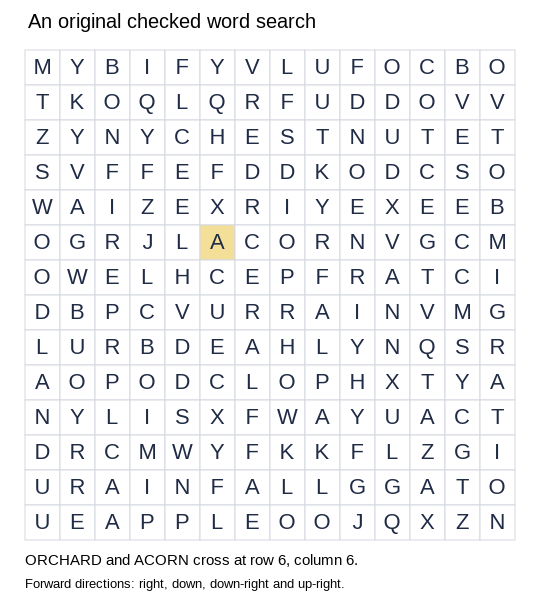
In this original autumn grid, ORCHARD and ACORN share the A at row 6, column 6. Rows count down from the top and columns across from the left. A letter used by one target remains available to the other; a marked area is not automatically finished.
Read the direction from the word’s first letter
- Right: →
- Down: ↓
- Diagonally down-right: ↘
- Diagonally up-right: ↗
- An all-directions sheet additionally allows ←, ↑, ↙ and ↖.